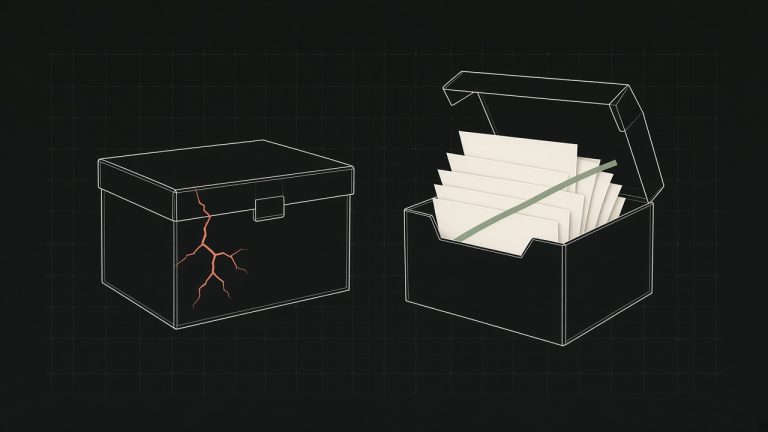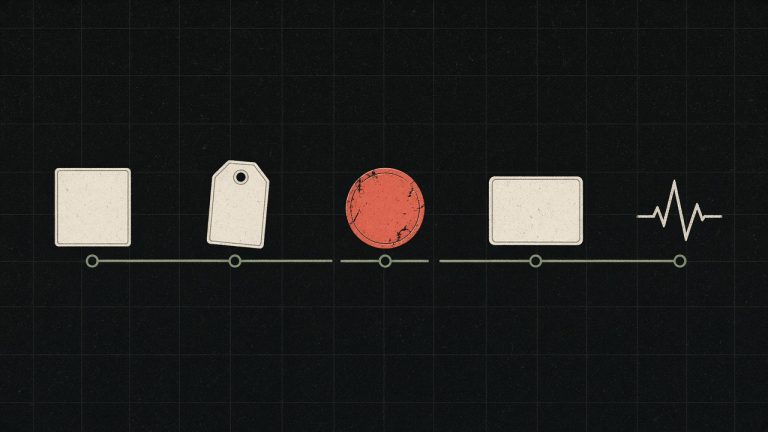
The copy is rarely the part that breaks a WordPress move. The part that breaks it is the thing nobody wrote down: a cron job, a webhook, a plugin that baked the old hostname into a row, a mailbox that still leaves from the old server. I treat the inventory as the migration. The file transfer is the easy afternoon that comes after.
Write the system down before you touch it
Before a file moves, I write a page that a stranger could use. PHP version. Database size. The cron lines and the scheduled actions inside WordPress, which are not the same list. Mail: who sends, through what, and whether SPF already names that host. Every integration that calls the site or that the site calls. Payment webhooks and a CRM sync are the usual surprises, because they live in a plugin setting nobody exported.
I also write what “working” means for this particular shop. Checkout of one physical product. Checkout of one virtual product. Login. A password reset. The contact form, including the email that should arrive. Search, if the catalogue depends on it. If I cannot name the path, I am not ready to change DNS.
| Line | Why it is here |
|---|---|
| PHP, database size, object cache | The new host can be “up” and still be the wrong runtime. |
| Cron and scheduled actions | A missed nightly job looks fine until the morning report is empty. |
| Mail path | The site can load while every order email dies on the new box. |
| Webhooks and outbound APIs | They are usually undocumented, and they notice the hostname first. |
| The five paths that earn money | A homepage check does not walk them. |
Lower the TTL the day before
Set the DNS TTL to 300 seconds a day before the switch. If you skip it and the new host is wrong, part of the audience keeps the old record for hours. You cannot hurry a cache you did not shorten. I would rather wait a day on purpose than discover the wait during an outage.
A staging URL is not the real hostname
I bring the new server up and point only my own machine at it, with a hosts-file override, while the public DNS still serves the old host. Then I walk the paths on the real hostname. A staging URL hides the plugins that stored the production domain in the database. They behave until the real name is in the request, which is exactly the moment you no longer want a surprise.
If the critical path has not been walked on the real hostname, the migration has not been tested.
Keep the old host warm
I do not cancel the old hosting the week of the move. It stays up, read-only, for at least two weeks. It costs little. It is the only rollback that does not depend on a backup I have not had to use yet. If the new host misbehaves on day three, the old record still means something.
Mail is the check people forget
The site can look finished while every order mail is dying on the new machine. I write the From address, the relay, and whether port 25 is even open. On more than one host it is not, and the only working path is an authenticated relay on 587. SPF already has one record. I do not add a second. Two SPF records do not merge. They both become invalid, and mail that used to arrive starts vanishing the week after a move that otherwise went well.
I send one real order mail and one password reset from the new host, to an inbox I control, before I call the move done. A log line that says “sent” is not the same as a message in the inbox. The second one is the test.
HTTPS on the apex and on www. The certificate renews on its own. Mail still leaves. The five paths still complete. Then I watch the error log for a day, not the homepage. The homepage is what a monitor is already congratulating you for. The log is where a webhook started returning 404 to a payment provider.
A move done this way is boring. That is the point. The interesting stories about migrations are almost all stories about a line that was missing from the inventory.