An uptime check is allowed to be green while the shop is quietly losing orders. The homepage returns 200. The product page returns 200. A promo code zeroes the total, a shipping method vanishes for one country, or the purchase event never fires, and the monitor has nothing to say. I stopped treating “the site is up” as news. The news is whether a buyer can pay.
Follow the buyer, not the status page
On a live WordPress or WooCommerce shop I walk one path and write down where it bends:
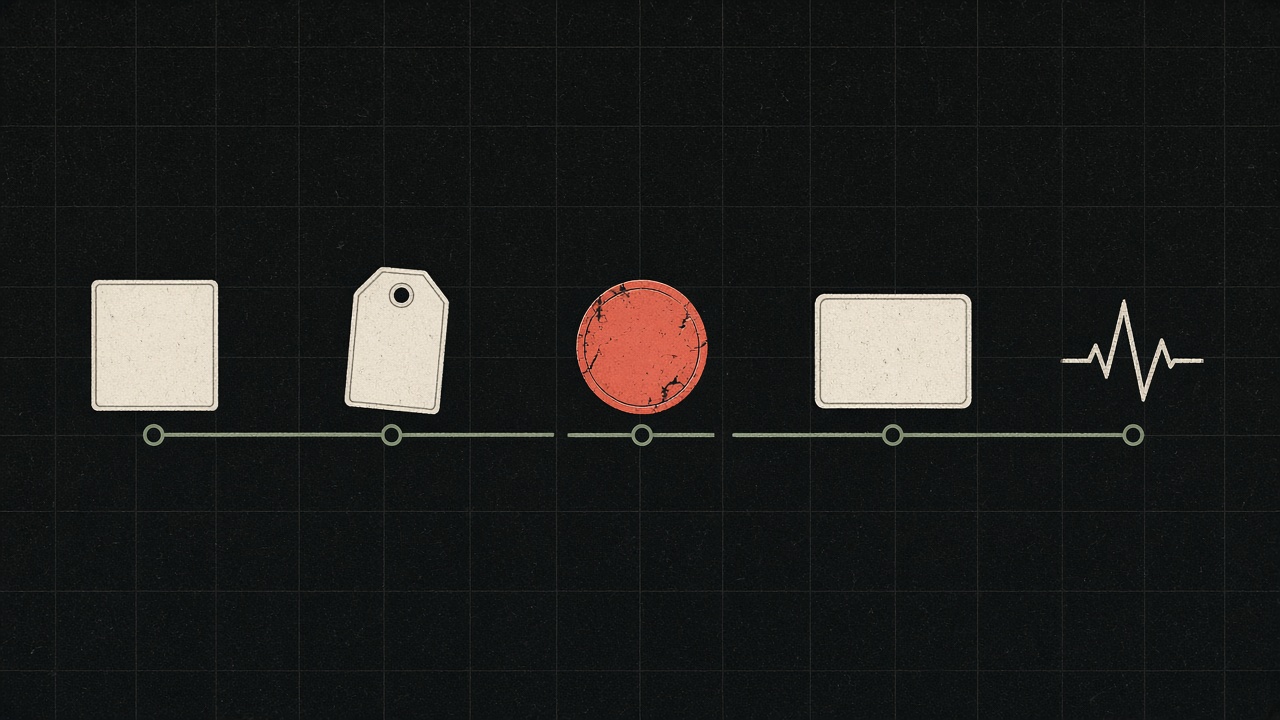
The cart shows the item, the price and the quantity the buyer actually sees. Shipping offers the method that belongs to that address, not a method left over from a test zone. A promo code changes the total on purpose, or it does not touch the total at all. Payment still lists Stripe, PayPal, and the method that tends to disappear for one product type. Analytics receives the purchase event on a real order, not on a click that looked like one.
Any one of those can fail while the server looks healthy. I have watched shops celebrate a fast homepage in the same week the checkout event stopped reaching the ad account. The ads kept spending. The shop kept “converting” in the owner’s head. The report did not agree, and nobody had opened the report.
| The light | What can still be wrong |
|---|---|
| Homepage 200 | The add-to-cart request fails for a logged-in customer. |
| Product page fast | The shipping zone for the main country returns nothing. |
| Checkout loads | A code from last season sets the total to zero. |
| Payment plugin active | One product type drops the only method that buyers use. |
| Tag manager present | The purchase event fires on the button, not on the paid order. |
Speed is part of the path, not a separate hobby
A slow cart is a failed cart for some share of buyers, so I measure the path, not a lab score on the homepage. Cache that makes the first view fast and the cart stale is not a win. I would rather have a slightly slower product page than a cart that shows yesterday’s price.
This is not a break-in test
Walking the money path is not a penetration test, and I do not sell it as one. It also does not make the shop appear in an answer engine. Those are different jobs, with different evidence. What I can say after five days is narrower and more useful: here is where an order is dropped, here is what is at risk, here is the order in which I would fix it.
If the only proof of health is a status code, you are measuring the server’s mood, not the shop’s revenue.
A code is a small program
I open the list of codes that are still active and I try the boring ones, not a random string. A code from last season that was never ended. A code that stacks on a price that is already reduced. A code that applies to the shipping line when everyone believes it applies to the product. Each of these is a few lines of configuration, and each of them changes what the buyer pays. I would rather spend an hour on that list than a day debating a new theme.
The same patience goes to shipping zones. The zone for the country that actually buys is the one I test, with a postcode from that country, not with the shop’s own address. A method that appears for the owner’s postcode and disappears for a customer is a normal bug. It does not page anyone. It just removes the order.
The deliverable I trust is a short list with an owner and a way to tell the fix worked. “Improve conversion” is not a list. “The code SAVE10 ignores the sale price and stacks on itself” is a list. The second sentence can be tested on a staging order this week. The first sentence can be discussed for a year.